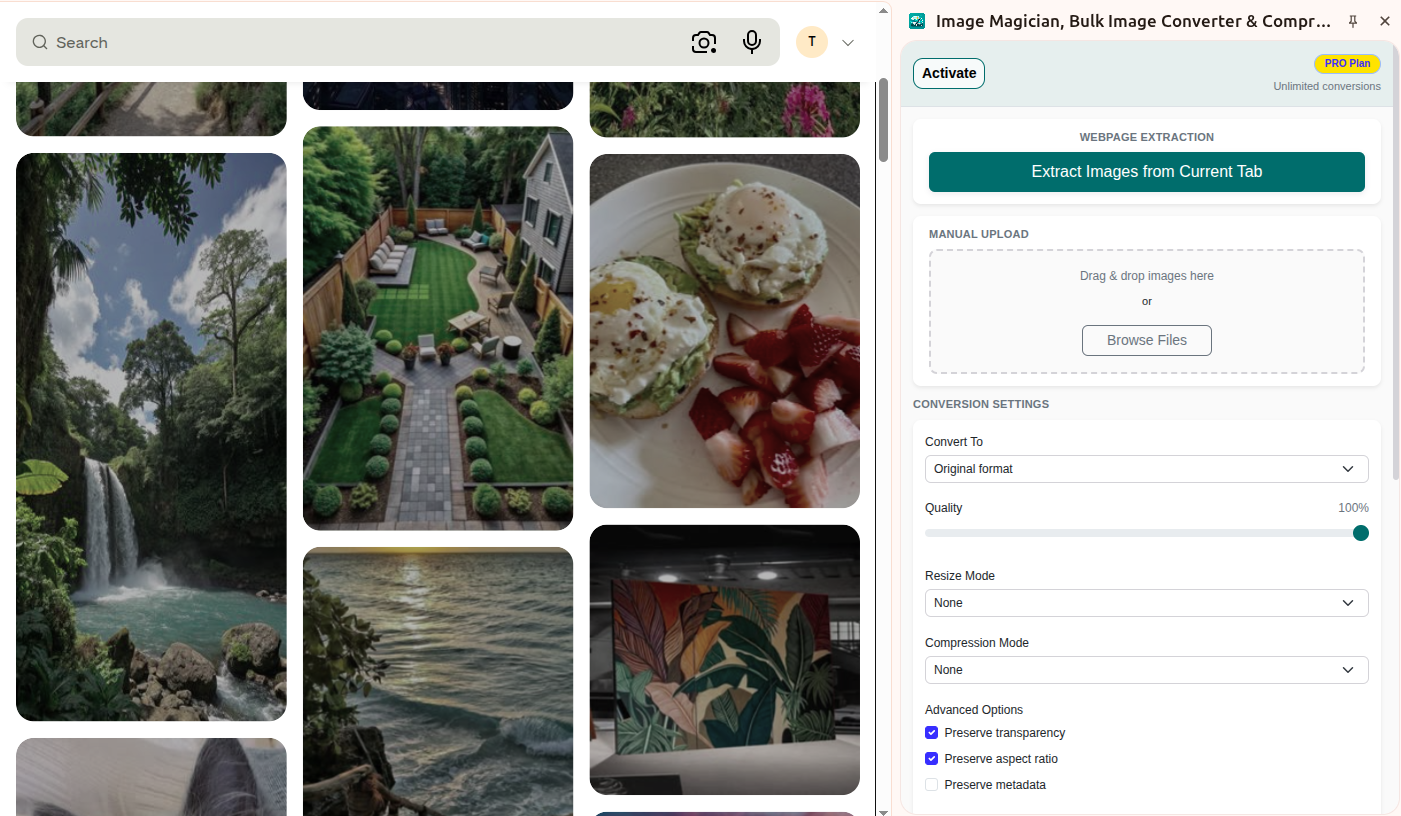
Bulk image extraction
Extract every image from a webpage in one click, then process them all or select only the ones you need.
Extract images from any webpage, convert them to the format you need, compress file sizes, resize in bulk, and download everything from one clean interface.
One click is all it takes to extract every image from the webpage.
Download images together instead of handling them one by one.
Choose formats, set quality, and keep the output ready for sharing, publishing, or storing.
A quick look at the workflow for extracting, uploading, converting, resizing, and finishing image tasks in one place.
Extract every image from a webpage in one click, then process them all or select only the ones you need.
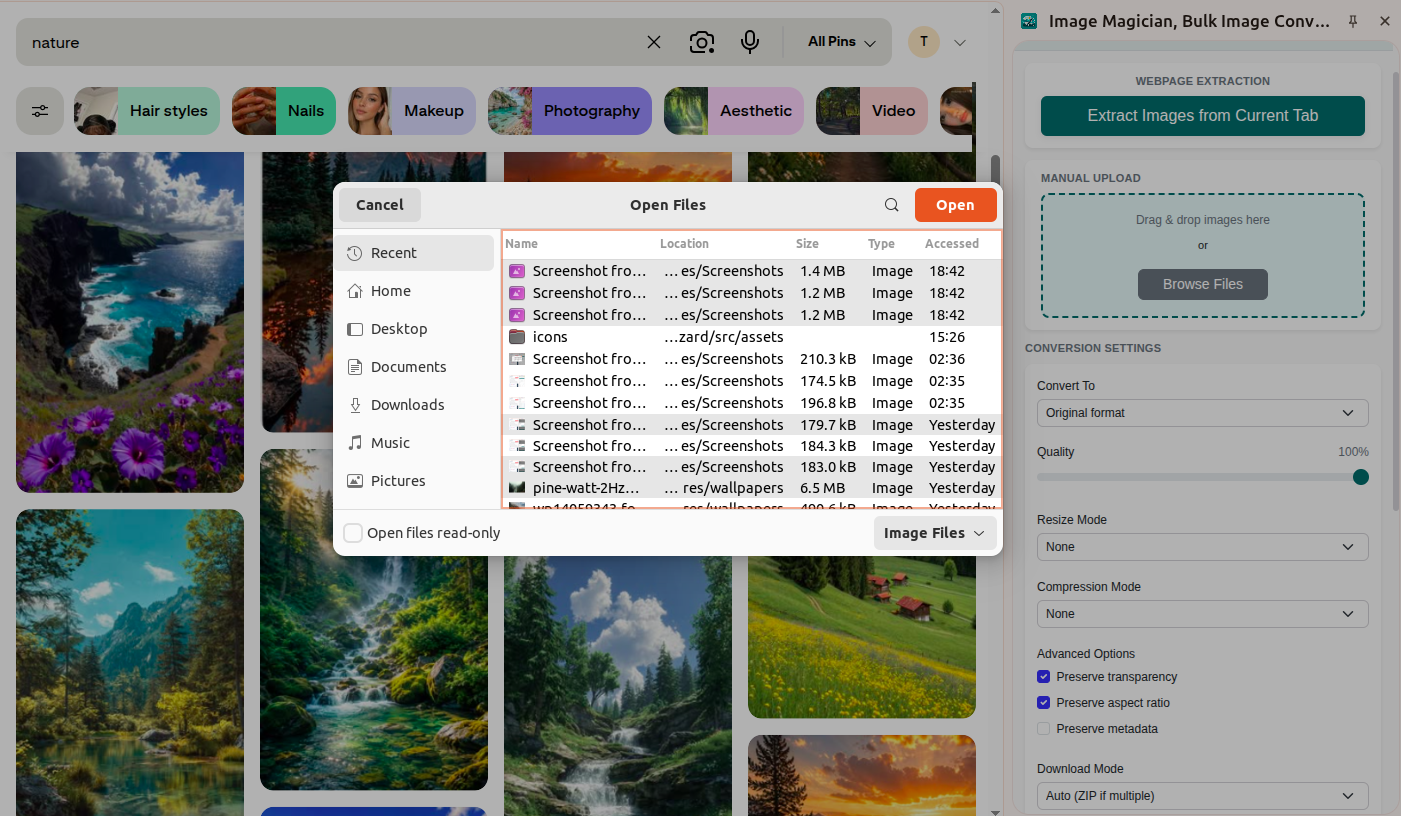
Upload one or more images from your device and process them on their own or together with extracted webpage images.
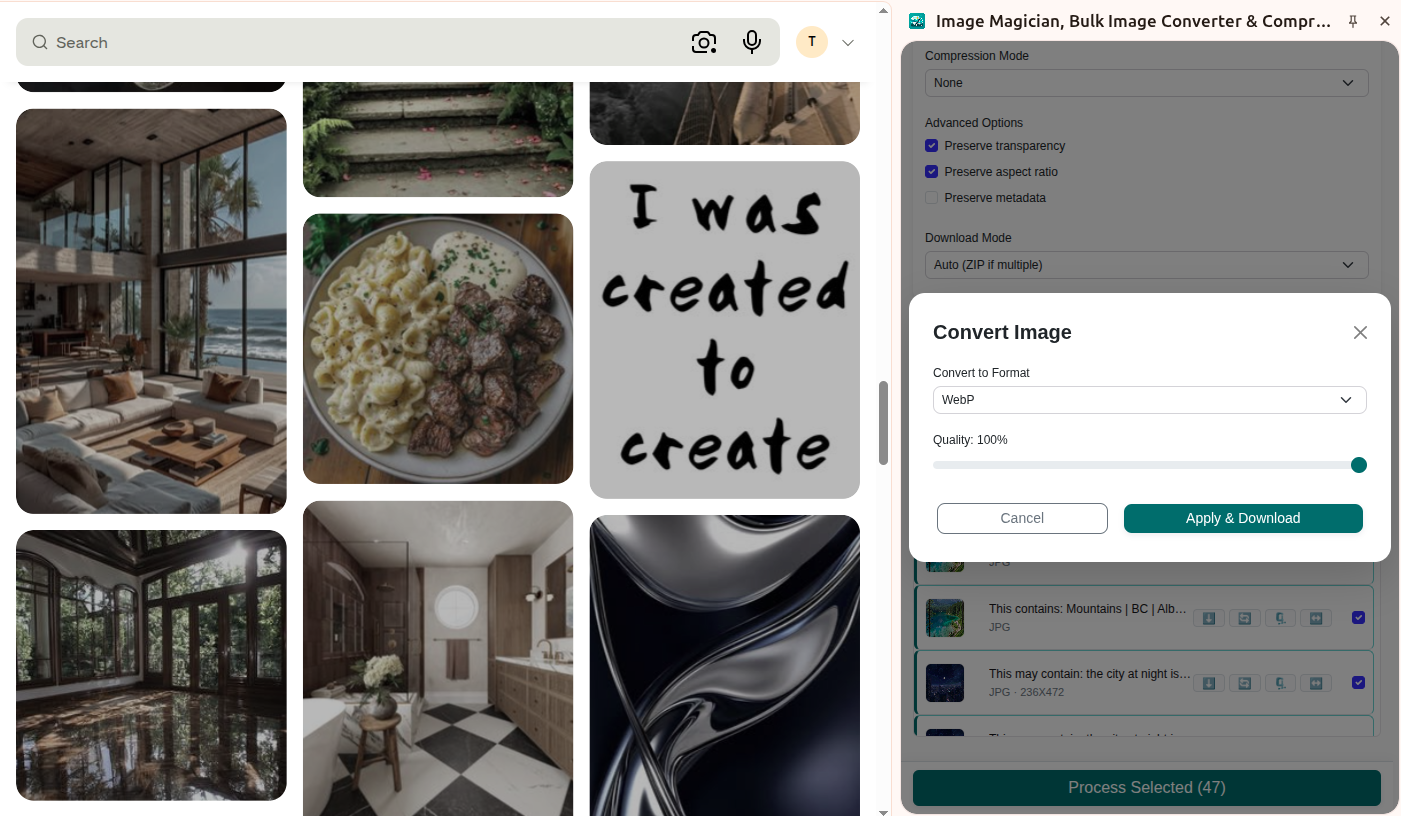
Convert images to WebP, JPEG, PNG, TIFF, ICO, and more while keeping transparency, aspect ratio, and metadata when needed.
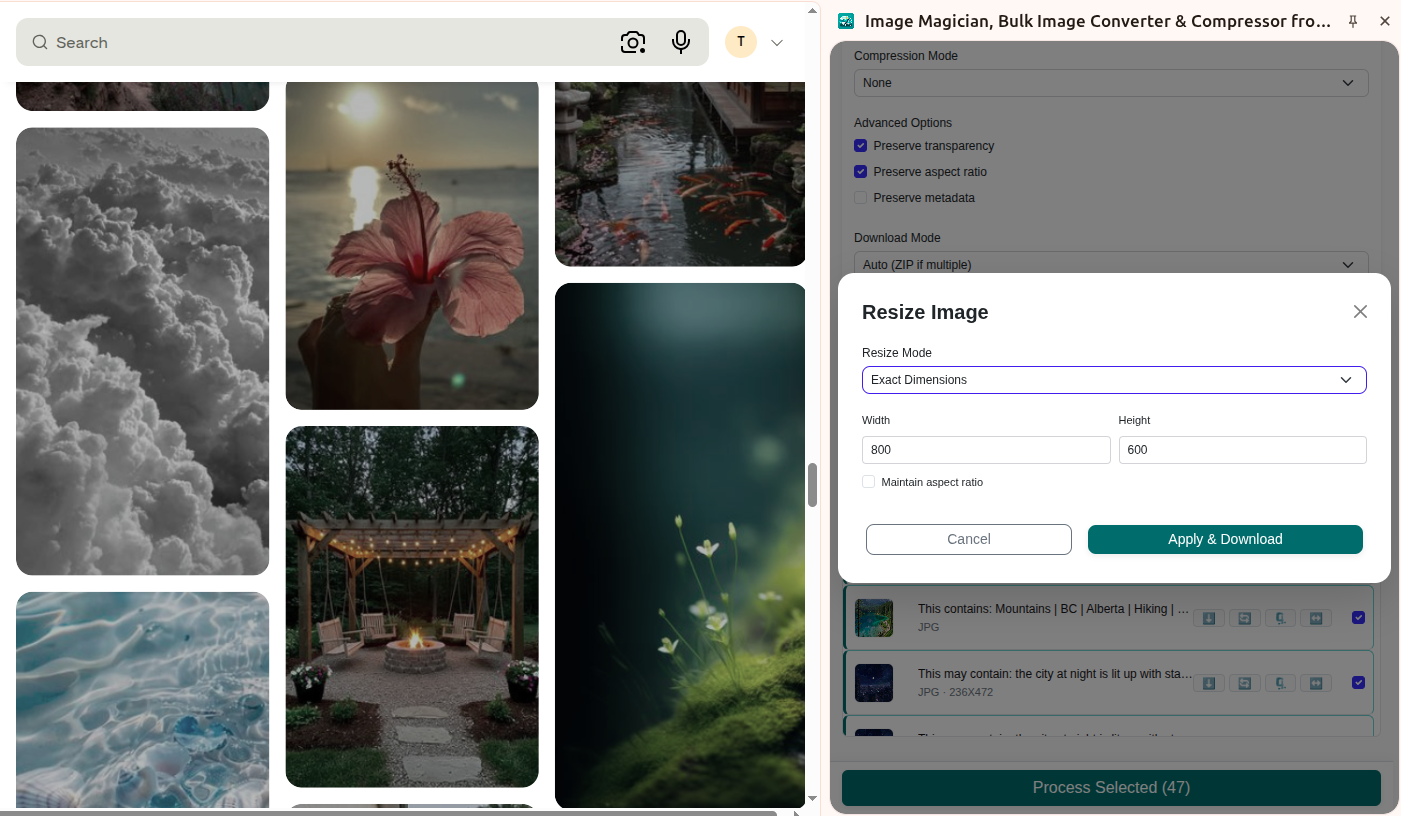
Set exact dimensions, maximum width or height, or percentage based resizing, then download the finished images in one batch.
Flexible controls for conversion, quality, resizing, compression, and preserving the details that matter most.
Switch between common and modern formats quickly to keep your workflow moving and your websites fast.
Fine-tune output quality to find the perfect balance between crystal clarity and minimal file size.
Resize images in the way that fits the job.
Reduce file size dramatically while keeping the visual result practical for publishing or sharing.
Keep the critical details intact while changing formats or dimensions, ensuring no loss of essential data.
Save hours by downloading all processed images in a single, organized ZIP archive.
From quick web page extraction to finishing a batch of uploads, Image Magician keeps repetitive image work simple.
Pull all visible and discoverable images into one place so you can save them together in a single step.
Take webpage images and convert them to PNG, WebP, AVIF, or JPEG with a simple workflow.
Reduce file size across the whole set so the output is lighter and easier to use.
Resize each file to exact dimensions, a maximum side, or a percentage that matches your target layout.
Upload one file or many files from your device and convert, compress, or resize them individually.
Quickly convert, compress, or resize any image before you post, publish, or hand it off.
Extract images from webpages, process uploads from your device, and finish conversion or compression tasks without bouncing between tools.
Install Image Magician Install Image Magician